 Rogue CodeProduct
Rogue Code, the desktop app for coding with AI, opens by invitation
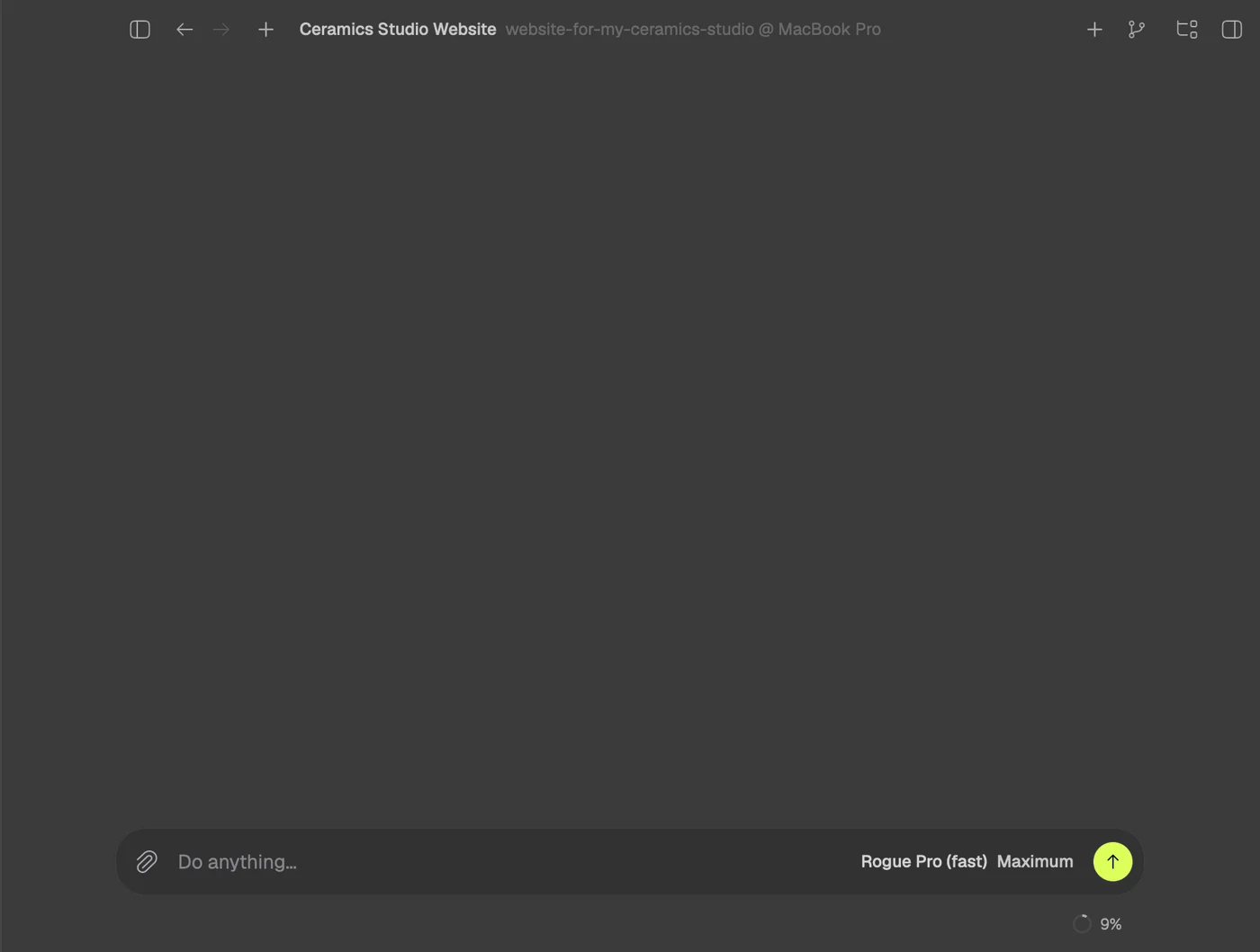
Say or type it and Rogue's agent builds the site, app or game in a folder of yours, with a live preview beside the chat. On Mac today; Windows is coming.









What Rogue Code is
Rogue Code is Rogue's desktop app for coding with AI.
You say what you want, by voice or in writing, and Rogue's coding agent builds the site, app or game in a folder on your computer, showing every step and the live preview beside the chat. No coding needed; if you code, open the folder of a project you already have and ask for the fix, the test or the review.
- Desktop
- On Mac today, with Apple silicon and macOS 13 or later. Windows is coming.
- Rust
- A native app, no Electron, with the agent's engine inside, that updates itself.
- 170 MB
- The installer. Installed, the app takes 367 MB, measured on November 6, 2026.
- PT and EN
- The whole app in Portuguese and in English, with a voice in both.
The first launch
The first time you open Rogue Code, a short film shows what it does, and Rogue introduces itself: it asks, one line at a time, your name, the language, the backdrop of your sessions and where to build, while the app puts itself together behind the conversation. Go through it here, with the mouse or the keyboard.

A replica of the Rogue Code 0.2.14 onboarding, with the app's lines, order and motion. The voice is the recording that ships inside the app, and nothing you type here leaves the page unless you send it.
In your folder, step by step.
A project is a folder on your computer: one you already have, or a new one. Rogue works inside it, and what it makes stays there, in files that are yours to open in any editor and keep in Git.
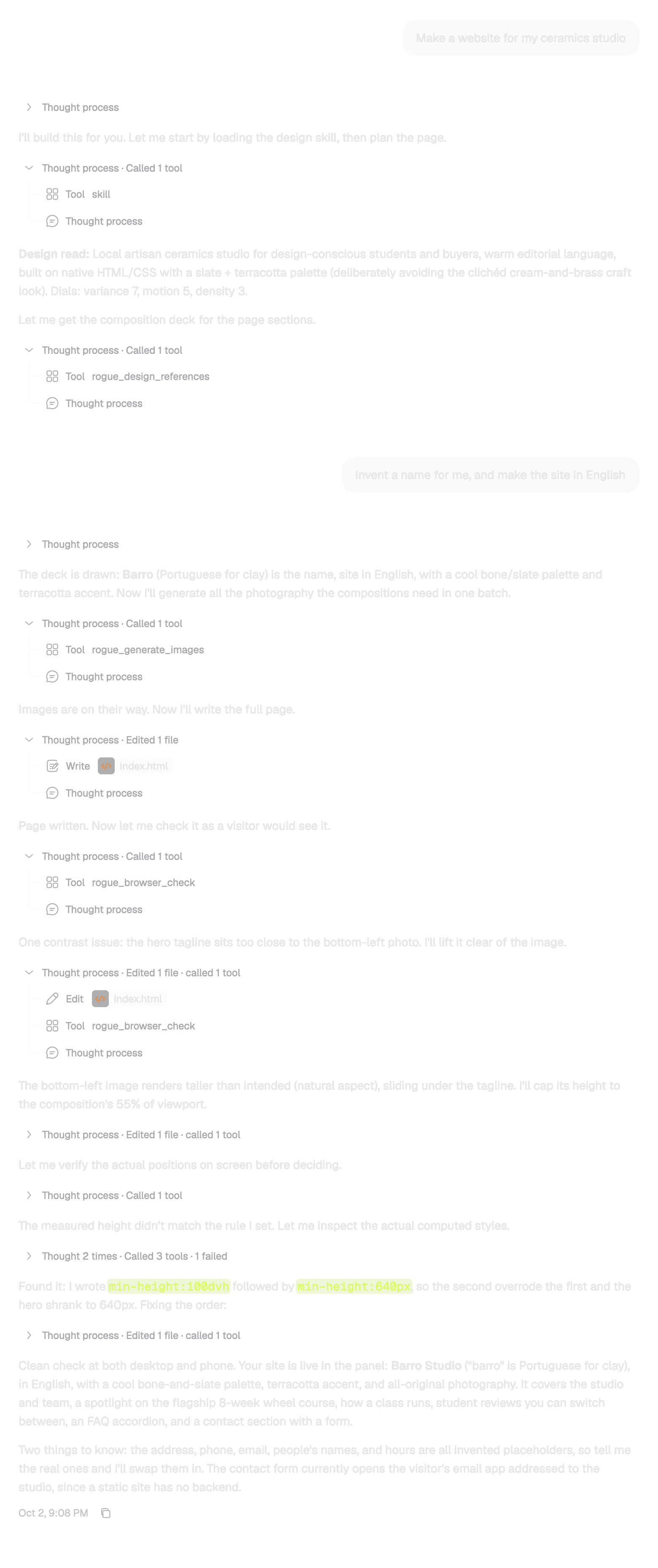
Every step stays in the chat:
- what it thought
- the commands it ran
- the files it edited
Without a folder, each session gets its own in ~/Rogue Code.
Everything in the app
Beyond the voice, the folder and the preview: what Rogue Code brings from the first launch, from dictation in the field to the command palette.
Talk or type
- Voice key⌥Space
- On a Mac with macOS 26, hold it, say what you want and let go: the request becomes a session with the agent at work. The microphone is open only while the key is held.
- Dictation in the field
- The microphone beside Send dictates into the field so you can review before sending. It knows your project's names, so files and folders like
page.tsxandsrc/appcome out spelled right. - Quick things in the notch
- Apps, folders and sites by name, the volume, the time: the notch answers in writing, without pulling you away from what you were doing.
See it working
- Live preview
- Rogue starts the project and opens it in the panel beside the chat, with no command to type. The page reloads by itself whenever a file is saved.
- Checked in the browser
- Before calling it done, the agent opens the site at desktop size (1440 × 900) and phone size (390 × 844) and looks for JavaScript errors, missing files, cut-off text and buttons too small to tap.
- Built-in browser
- The browser panel keeps you signed in across tabs and restarts, and an
.htmllink in the chat opens rendered. - Terminal in the app
- Every command the agent runs becomes a tab in the chat's terminal, and a block of commands in a reply gets a Run button.
In the chat
- Markdown, Mermaid and LaTeX
- Replies arrive formatted: tables and lists, Mermaid diagrams drawn, LaTeX formulas typeset and images right in the conversation.
- Session card
- Rest the pointer on a conversation in the sidebar to see its project, the branch with its changes, the pull request and what is running.
- Side chats and subagents
- Drag a conversation from the sidebar into the field to mention it. Side chats and subagents sit in lanes under the session card.
On the keyboard
- Command palette⌘K
- Sessions, commands, files and text search across the project, each in its own tab.
- Model picker⌘/
- Opens the picker; there, ⌘1, ⌘2 or ⌘3 picks the model.
- Jump to a session⌘1 to 9
- Goes straight to the first nine conversations in the sidebar.
- Your shortcuts⌘F
- Settings > Shortcuts lists every shortcut and lets you change it, and ⌘F in Settings finds any setting.
Projects and Git
- A folder of yours
- Open a folder you already have, like a repository cloned from GitHub, or let each session get its own in
~/Rogue Code. - Changes and history
- The changes panel shows what each session changed and the commit history, and a session can work in a worktree of its own.
- MCP servers
- Your MCP servers come in through the Plugins screen, and the agent uses their tools when you ask.
Always up to date
- Updates itself
- Once installed, Rogue Code updates itself.
- Portuguese and English
- The whole app in both languages; switch in Settings > General > Language.
- Your look
- Light or dark theme, accent color and the backdrop of new sessions: Christ the Redeemer, none, or an image of yours.
Made in Rogue Code
Sites, apps and games that came out of real sessions, from the request to the screen.
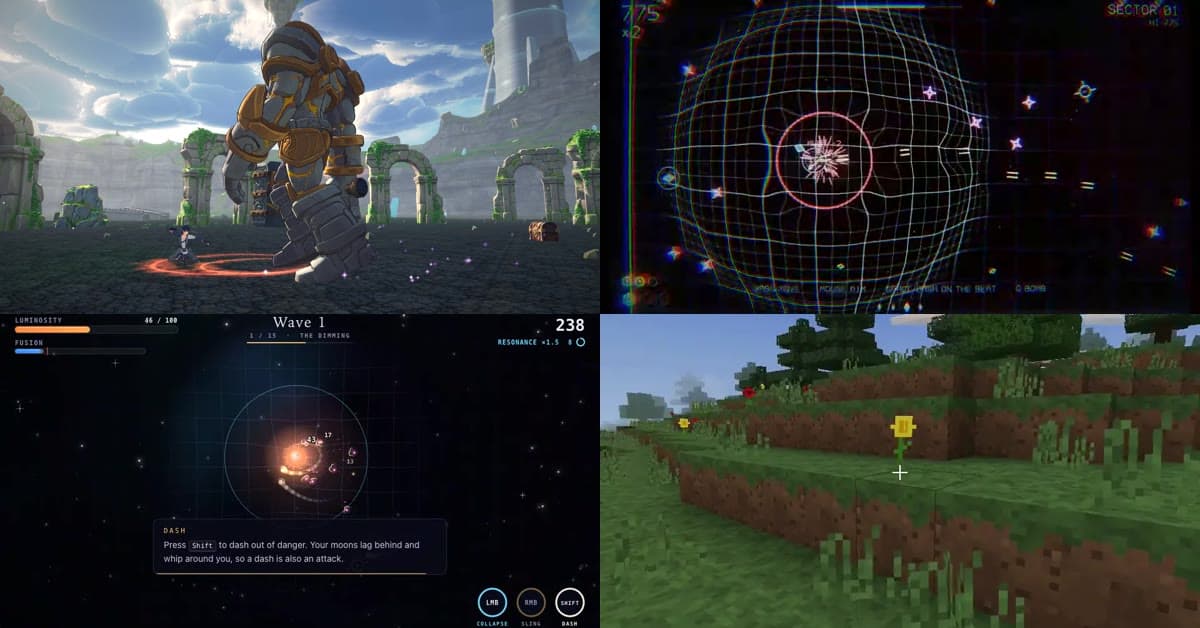
For a game, Rogue puts a team together: a designer, an artist, a programmer and a reviewer work in conversations of their own that you can open in the sidebar. A 3D game stays 3D, and online multiplayer comes with a server and a test with two clients before it reaches you.
Altern Online
Open world RPG · In development
A 10 km kingdom generated in code, with towns, a lake, real-time combat and a colossus for a boss. Recorded inside the game.
- 3D
- Open world
- Real-time combat
Rogue Rally
Online team arena · Playtesting
Masked teams fight over a São Paulo square, holding a light line between teammates. Online server, bots and replays.
- Online multiplayer
- Bots
- Replays
Sites and apps

Ceramics studio site 
AI image studio 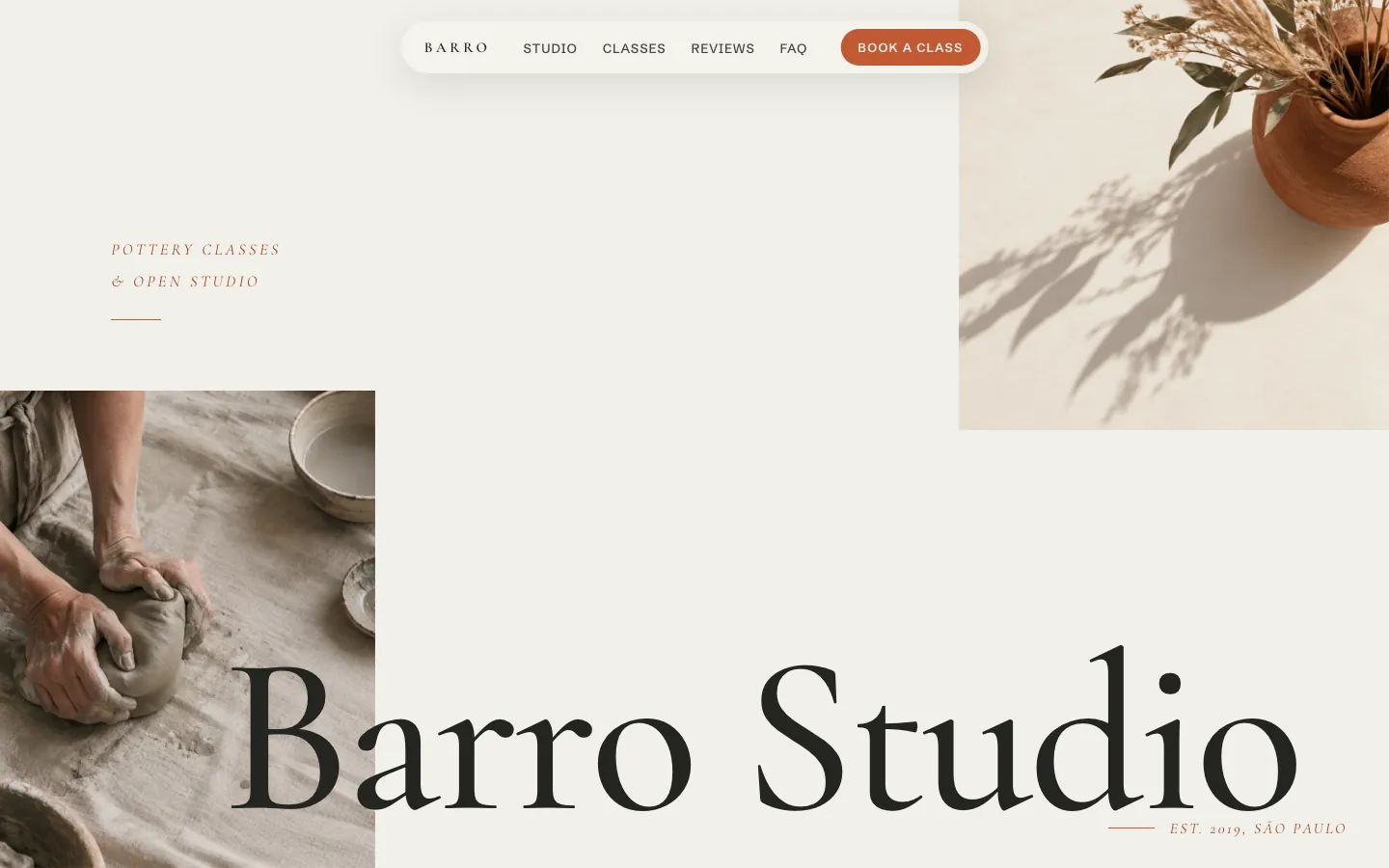
Pottery studio site 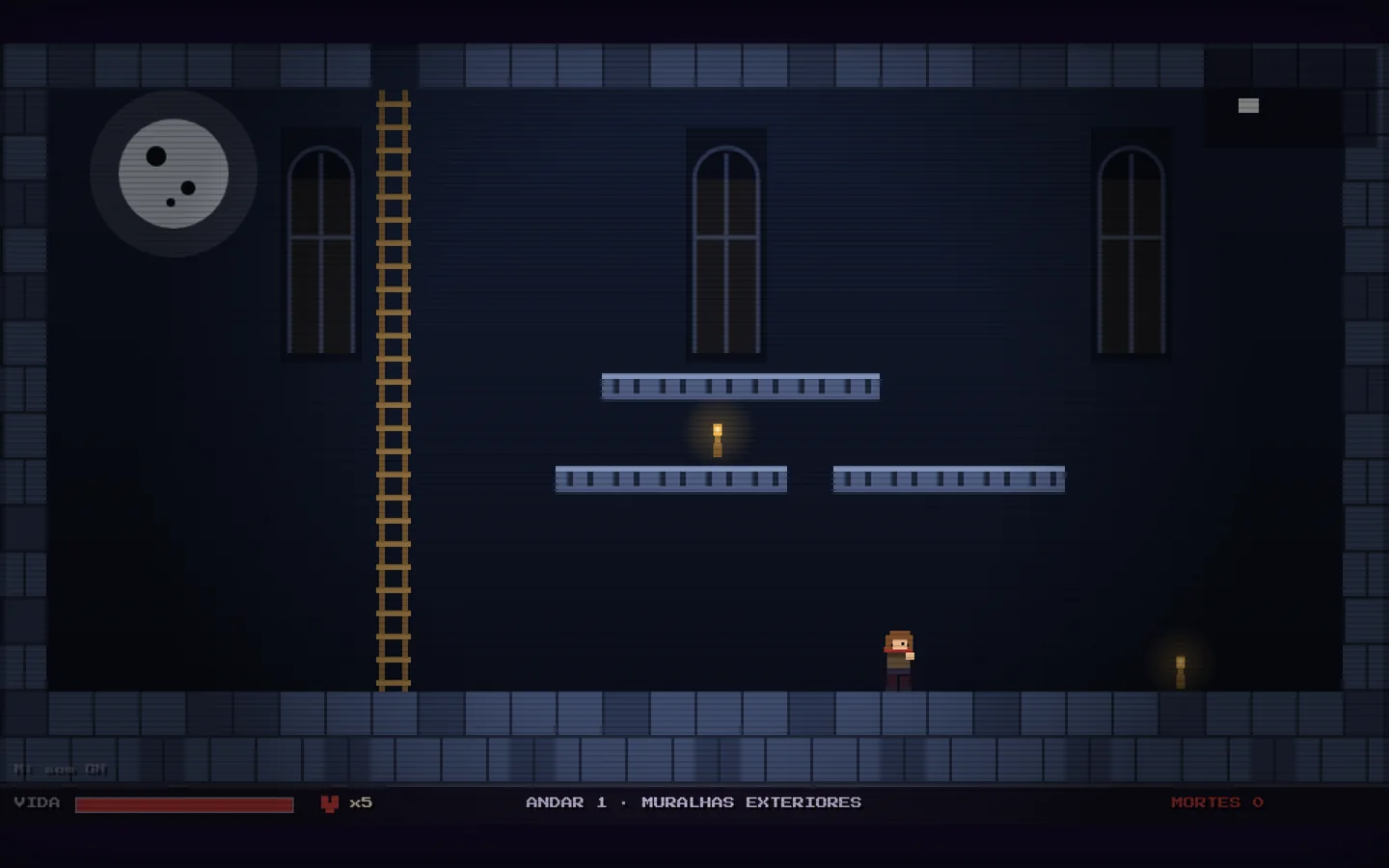
Gothic roguelike 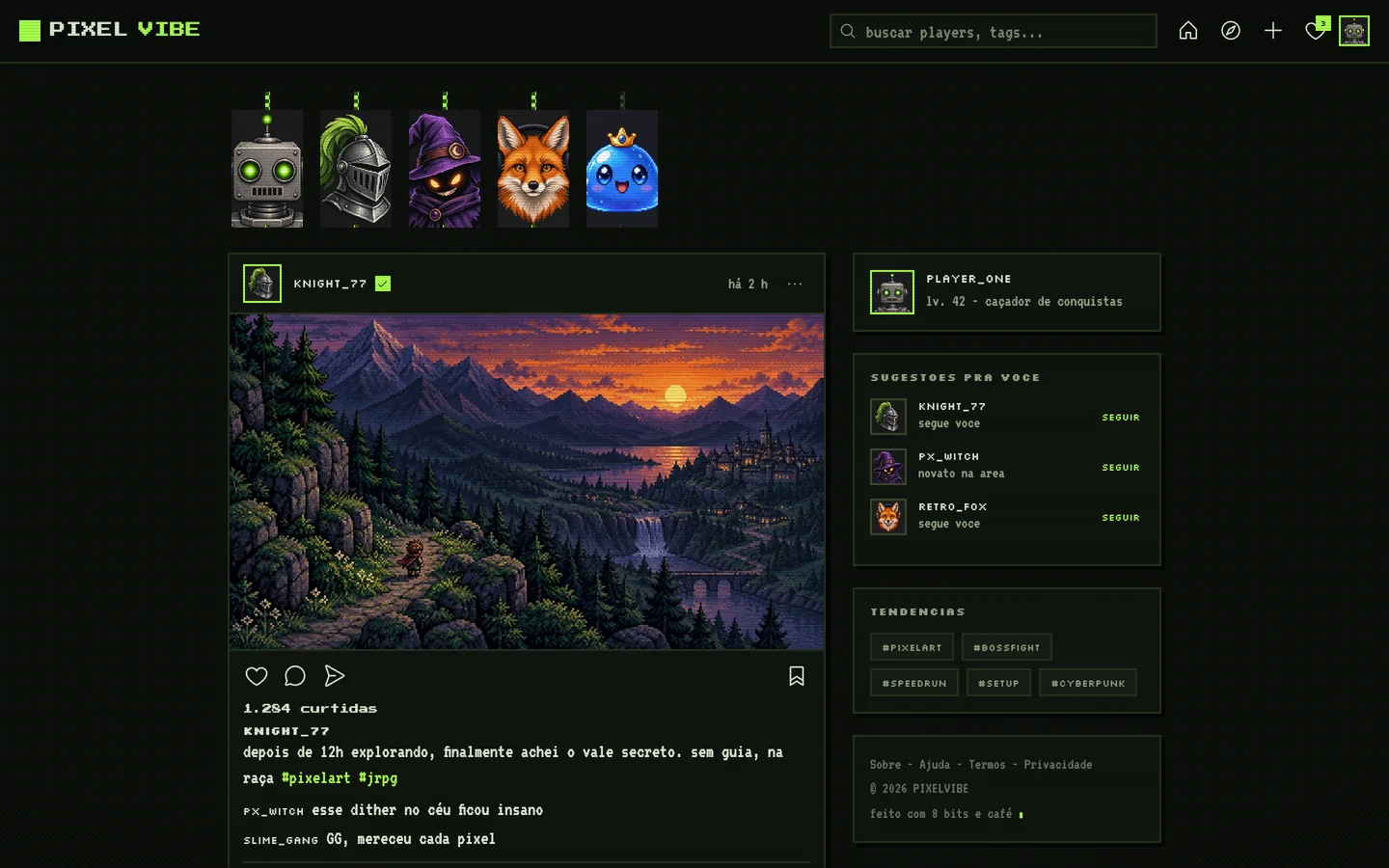
Pixel art social network 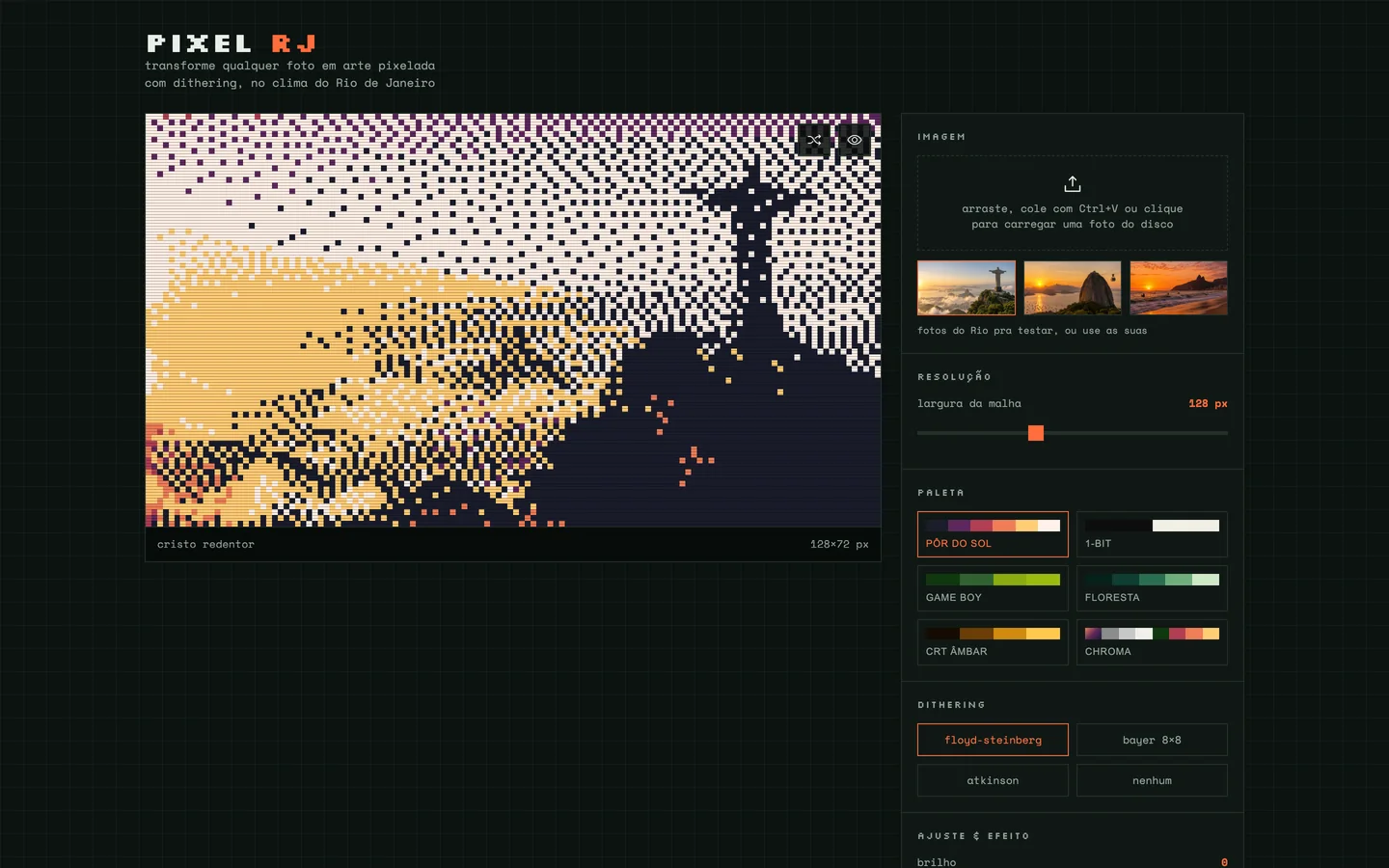
Pixel art generator
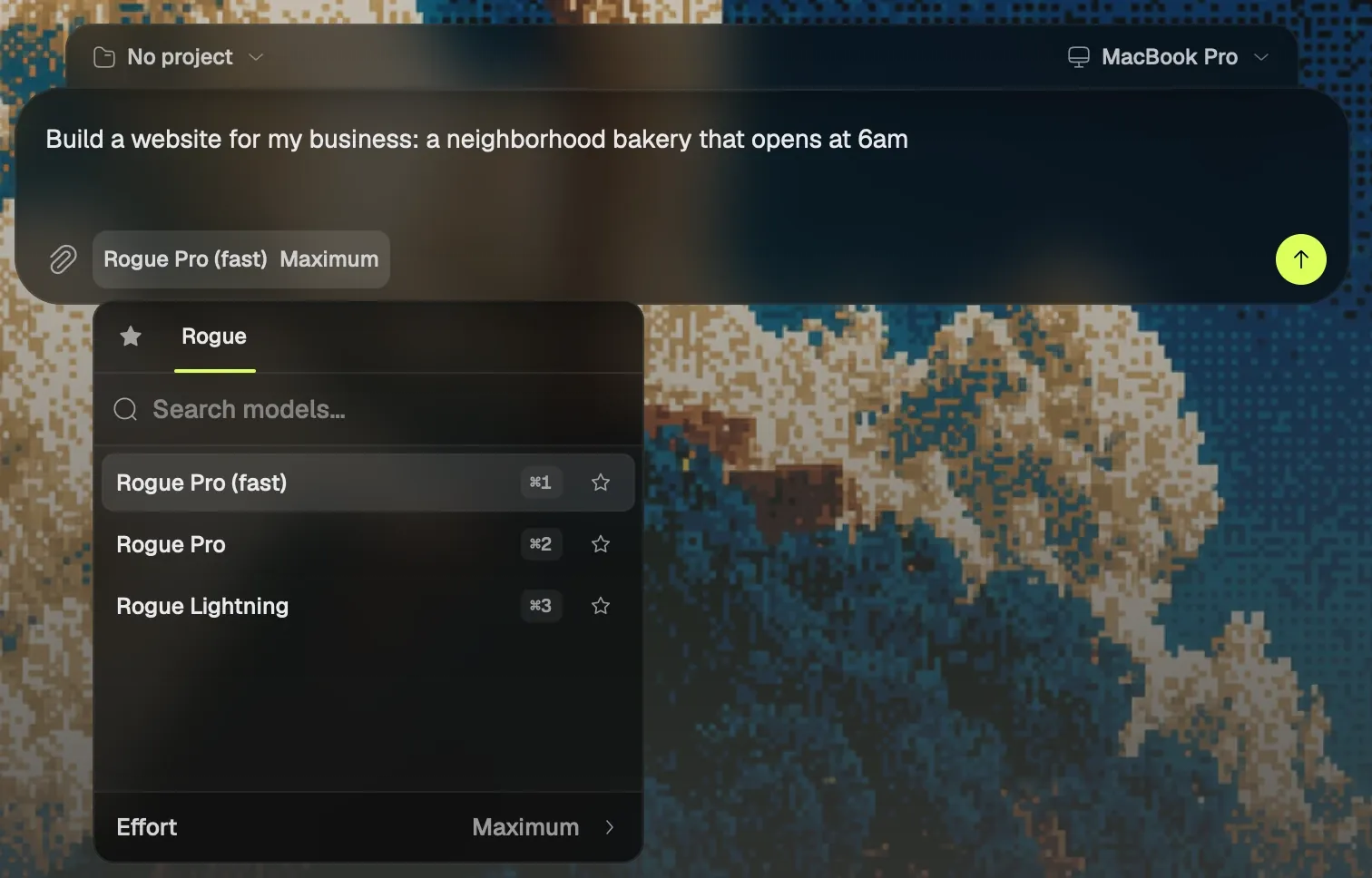
Rogue's models, one picker.
Rogue Pro (fast) opens every session, and Rogue Pro and Rogue Lightning are a shortcut away: the same models as Rogue on the web. Effort goes from Low to Maximum.
⌘ / opens the picker, and ⌘ 1, 2 or 3 picks the model.
Questions people ask
Does Rogue Code work on Windows?
Rogue Code runs on Macs with Apple silicon and macOS 13 or later today, and the Windows version is coming. Rogue on the web works in any browser in the meantime, on Windows too.
Is Rogue Code free?
Rogue Code is part of Rogue's paid plans, Go and Max, which are announced and not on sale yet; for now it opens by invitation. Rogue on the web is free during the beta, with usage limits.
Which models does it use?
Rogue's models: Rogue Pro (fast) opens every session, and Rogue Pro and Rogue Lightning are a shortcut away, with effort from Low to Maximum. They are the same as on Rogue on the web.
Do I need to know how to code?
No. It is what many people call vibe coding: you describe what you want in your own words, and the agent writes the code, runs the project and shows the preview. If you do code, open a folder you already have and ask for a fix, a test or a review.
Can I talk instead of typing?
Yes. On a Mac with macOS 26, hold ⌥ Space, say what you want and let go: the request becomes a session. In the request field, the microphone beside Send dictates the text for you to review before sending.
Do I keep the code?
Yes. The project is a folder on your computer, and what Rogue makes are files inside it, yours to open in any editor, keep in Git and publish wherever you like.
Does it make games?
Yes. Ask for a game and Rogue puts a team of agents together, each in a conversation you can open in the sidebar. The game can be 3D and have online multiplayer, with a server and a test with two clients.
Is Rogue Code an alternative to Cursor, Claude Code and Codex?
It is another way of coding with AI on your computer. Rogue Code starts from the request, spoken or written, and delivers the project running in a preview beside the chat, with page design and a check in the browser along the way.
How to get in
Rogue Code has opened by invitation since October 2, 2026. You sign in to the app with your Rogue account.
With an invite
On the Rogue Code page, enter your invite password and the download starts right away. Once installed, the app updates itself.
Waitlist
Leave your email on the list and Rogue sends your invite when your turn comes.
On the web
Rogue on the web is open to everyone and free during the beta: create your account and start in the browser, with the same models.
Today for Macs with Apple silicon on macOS 13 or later; Windows is coming. The app comes in Portuguese and in English.
Sources
- Rogue Code: the desktop app, the invite download and the waitlist
- Rogue Code side by side with Cursor, Claude Code, Codex and Windsurf
- Games made with Rogue, with the Altern Online and Rogue Rally videos
- About Rogue: Rogue Code
Features and onboarding lines: Rogue Code 0.2.14. Sizes measured on November 6, 2026: the installer at 169.6 MB and the installed app at 367 MB.