
Create a presentation with AI
Slides for your pitch
Describe the presentation in one sentence. Rogue writes the story and designs every slide.
Same request, side by side
We sent one request to Rogue and to ChatGPT at the same moment and timed both until the slides were done.
Pick your kind of presentation
Each one opens with a ready request and the deck Rogue made from it.
 AI pitch deckProblem, solution, traction and the raise.See the deck
 AI business plan presentationOffer, customers, operations and projections.See the deck
 Sales proposal presentationScope, pricing, terms and next steps.See the deck
 Company profile presentationYour story, services, team and projects.See the deck
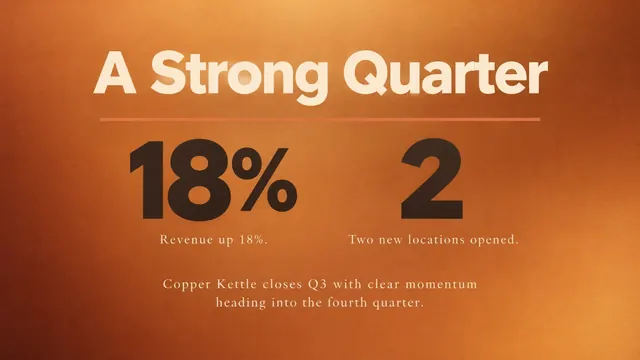 Quarterly results presentationThe quarter, the numbers and what's next.See the deck
 Strategic plan presentationGoals, priorities and an action plan.See the deck
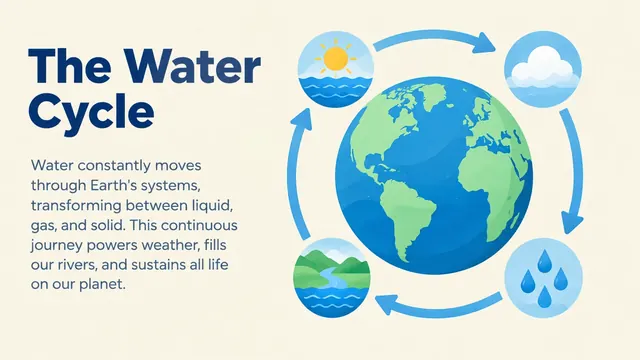 AI school presentationKey ideas, examples and a class recap.See the deck
 Thesis defense presentationAims, method, results and conclusion.See the deck
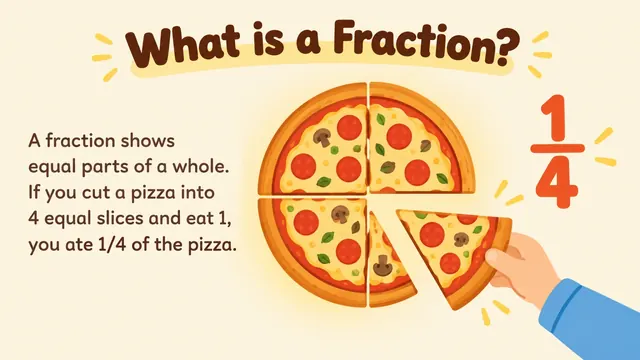 Lesson slides for teachersExplanations, examples and practice.See the deck
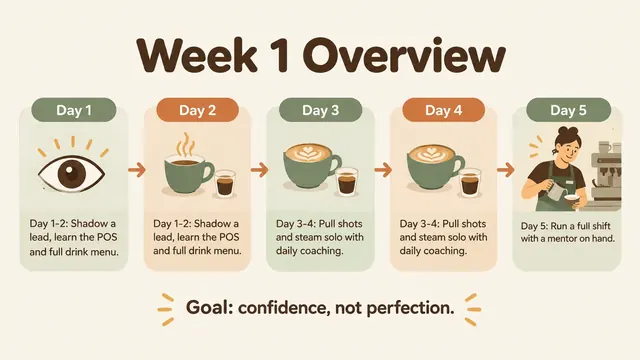 Training presentationFirst-week basics and everyday procedures.See the deck
 AI marketing planAudience, channels, budget and next steps.See the deck
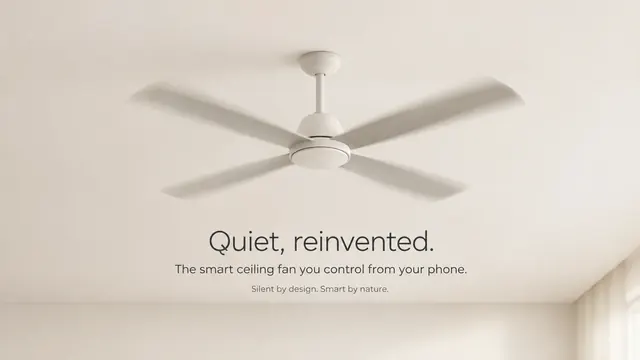 AI product launch slidesThe product, the benefits and how to buy.See the deck
 Brand guidelines presentationLogo usage, colors, type and applications.See the deck
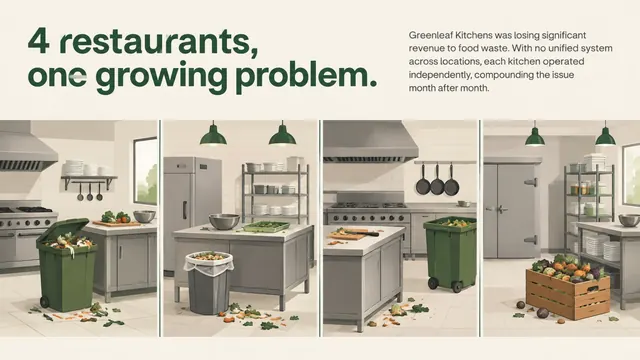 Case study presentationThe challenge, the work and the results.See the deck
 Portfolio presentationYour projects, your process, your role.See the deck
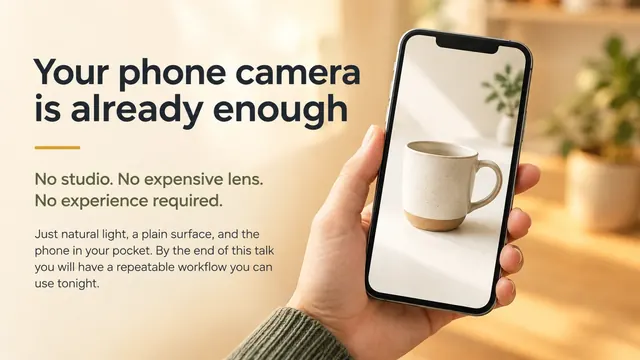 Talk and conference slidesAn opening, examples and a takeaway.See the deck
Common questions
Do I need a template or design skills?
No. Rogue picks the visual identity, writes the copy and designs each slide from your request. You can describe colors, a mood or a brand, and upload a logo or photos to use.
How long does it take?
In our test on Oct 31, 2026, six slides were ready in about a minute in Ultrafast mode. Time depends on the number of slides and the mode you choose.
Can I edit the slides?
Yes, by asking in the chat: change a slide, add one, remove one or redo the whole deck. Each slide is a designed image with the text inside it, so text changes happen through Rogue, not by typing on the slide.
Can I download it as PowerPoint or PDF?
Yes, both. In PowerPoint each slide is an image, which keeps the design exactly as you saw it; to change a line of text, ask in the chat and download again.
How much does it cost?
You can start for free. Check the current Rogue plans and their capacity.