
Create your brand guidelines presentation
Logo usage, colors, type and examples, in a deck your team can refer to. Describe your brand and upload your logo; Rogue plans the guide and builds the slides.
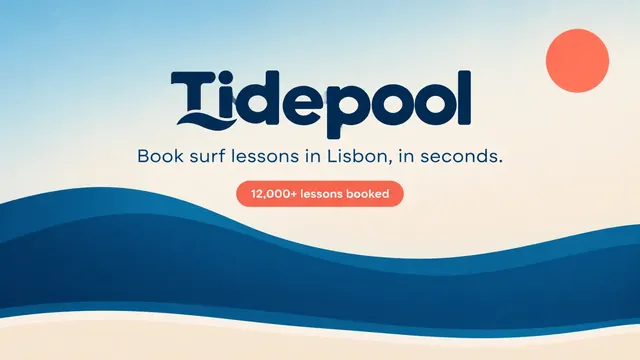
The deck Rogue made
Generated from the request below, with nothing edited by hand.
Questions about brand guidelines
Can I use my own brand's logo?
Yes. Upload your logo as an image and tell Rogue where it should appear in the guidelines. Describe which logo versions and usage rules you want the slides to show.
Will the fonts and colors match exactly?
Include your font names and color codes in the request. Rogue generates slides as images and doesn't guarantee exact fonts. Check the typography and color codes before sharing the guidelines, and ask for changes in the chat if needed.
Can I edit the guidelines in PowerPoint?
You can download the guide as PDF or PowerPoint. Each PowerPoint slide is an image, so the text isn't directly editable. To change a logo rule or other wording, ask in the chat and download the updated file.
Can I edit the slides?
Yes, by asking in the chat: change a slide, add one, remove one or redo the whole deck. Each slide is a designed image with the text inside it, so text changes happen through Rogue, not by typing on the slide.
Can I download it as PowerPoint or PDF?
Yes, both. In PowerPoint each slide is an image, which keeps the design exactly as you saw it; to change a line of text, ask in the chat and download again.
Other kinds of presentations
See all AI marketing planAudience, channels, budget and next steps.See the deck
 AI product launch slidesThe product, the benefits and how to buy.See the deck
 Case study presentationThe challenge, the work and the results.See the deck
 AI pitch deckProblem, solution, traction and the raise.See the deck
 AI business plan presentationOffer, customers, operations and projections.See the deck
 Sales proposal presentationScope, pricing, terms and next steps.See the deck