























Go
COMING SOON$10/month
Everything in Free, plus:
- More usage
- Rogue Code
- Rogue Browser
- Rogue DeepThink
Max5x $50 · 25x $150/month
Build all day.
Go and Max are announced and not on sale yet. See the plans
Rogue's app for Mac.
Build what you imagine.
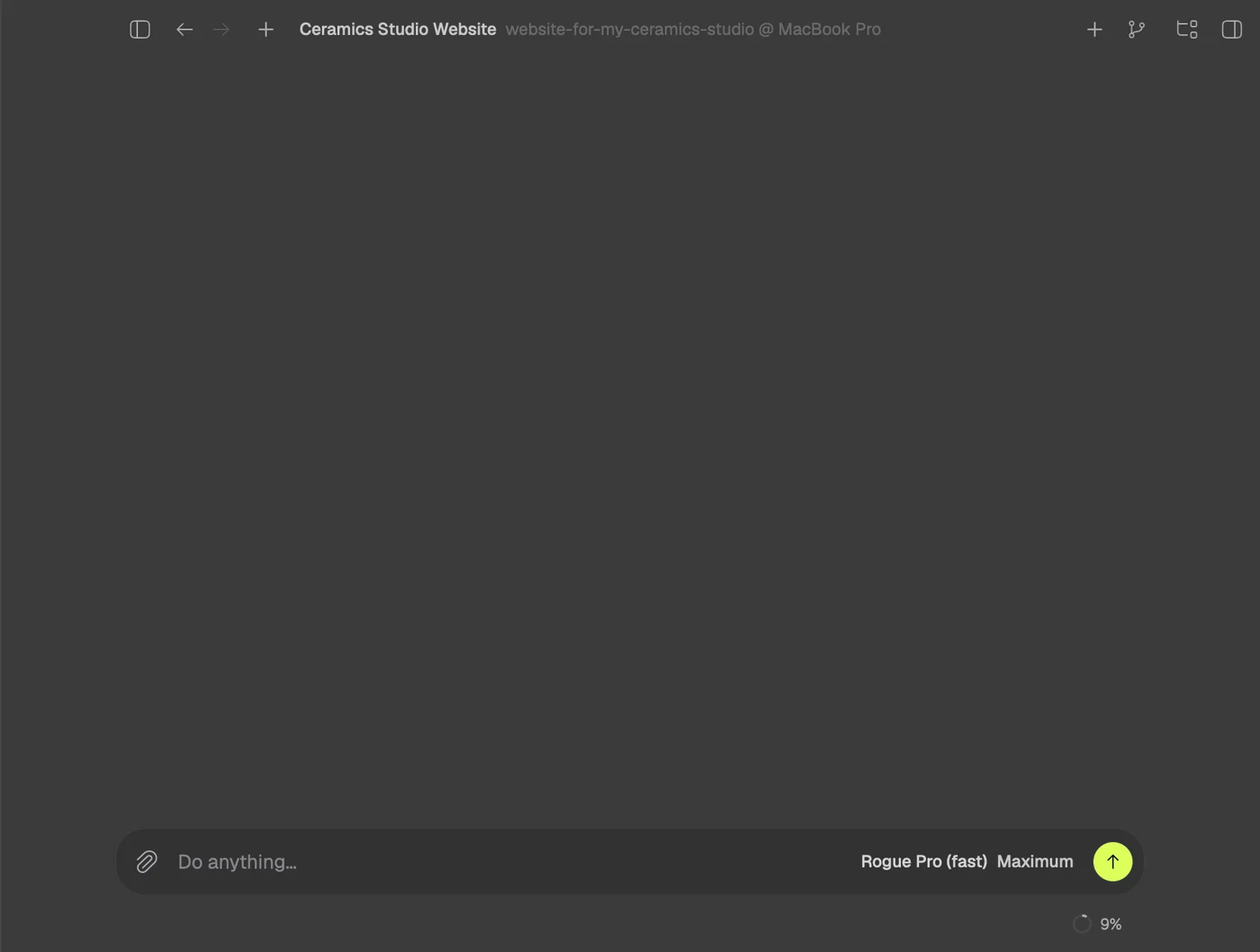
 Say or type what you want
 Rogue builds it in your folder
 The preview opens beside the chat
Start with a request
Hold the key and talk.Hold ⌥ Space, say what you want and let go. The request becomes a Rogue Code session, with the agent already at work.
The microphone is open only while the key is held, and speech is recognized on the Mac itself.
If another app already uses that key, the voice takes the next free one. You can see which in Settings > General > Voice key.

“Make a website for my ceramics studio” opens a new session and the agent starts on it.
Apps, folders and sites: “open the calculator”, “open my documents”, “open YouTube”.
Turn the volume up, ask the time or the date. The notch answers in writing, without pulling you away from what you were doing.
 In your folder, step by step.
A project is a folder on your computer: one you already have, or a new one. Rogue works inside it, and what it makes stays there, in files that are yours.
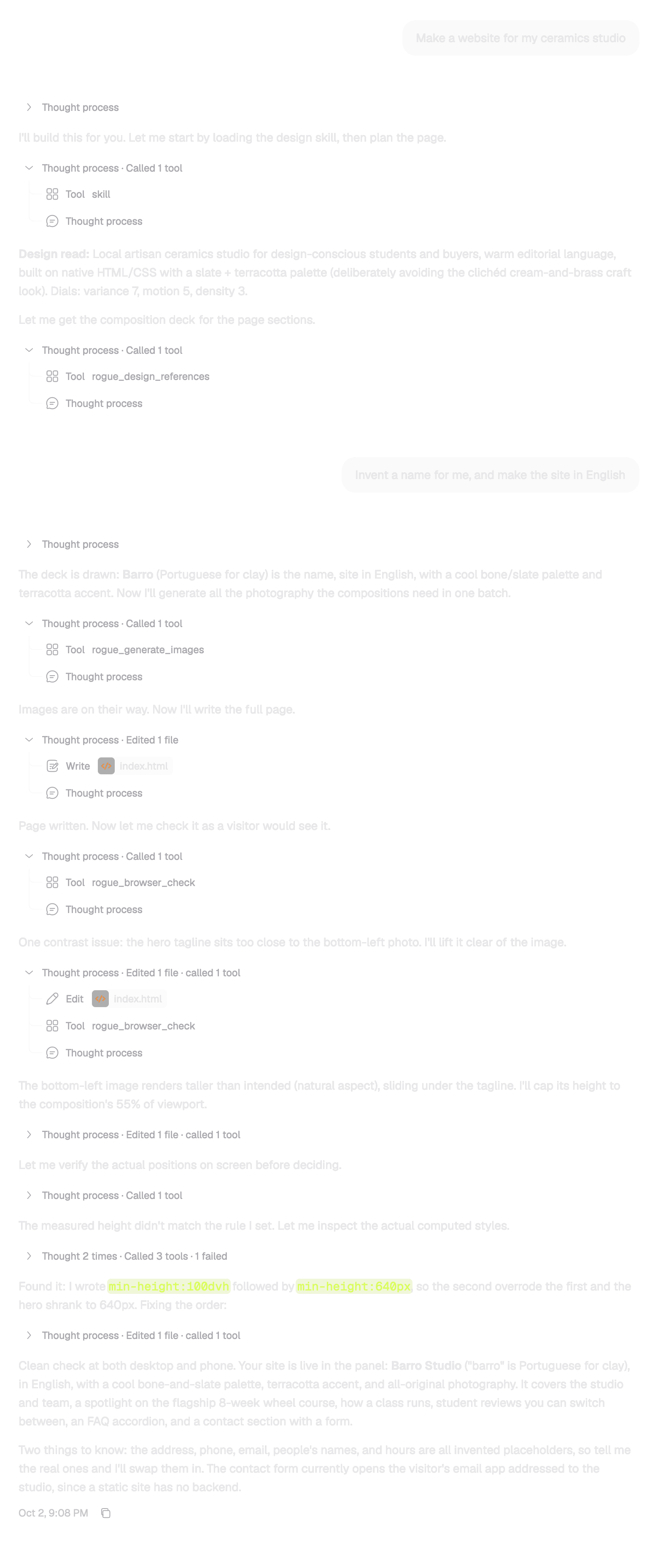
Every step stays in the chat: what it thought, the commands it ran, the files it edited.
Without a folder, each session gets its own in ~/Rogue Code.
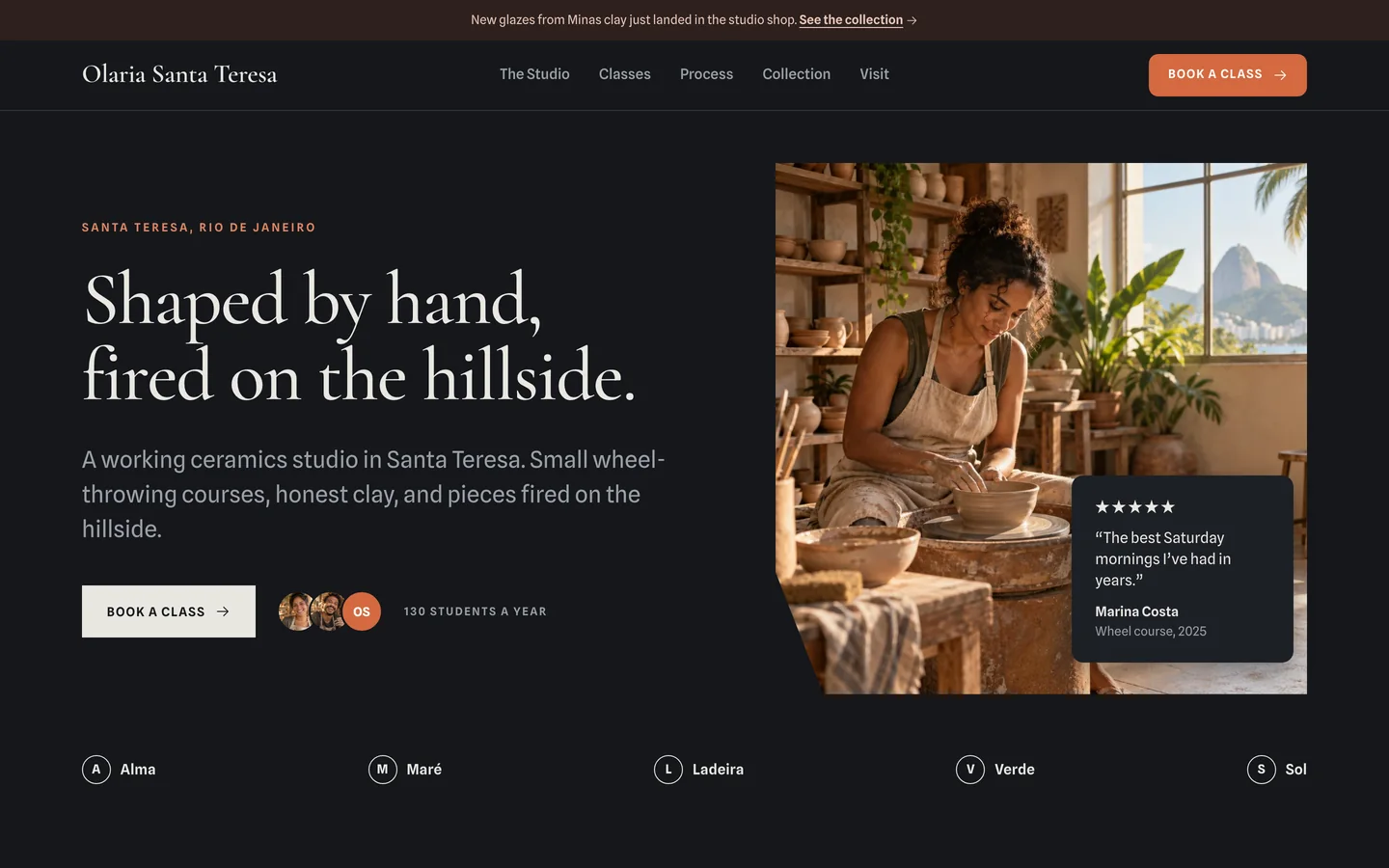
The preview opens beside the chat.Rogue runs your project and opens the result right there. You never have to type a command to see what was built, and the page reloads by itself whenever a file is saved.

A composition for each section and images made for the page.
Errors, missing files and the screen at desktop and phone sizes, before Rogue calls it done.
A static site or a dev server: Rogue starts it and shows the address in the panel.
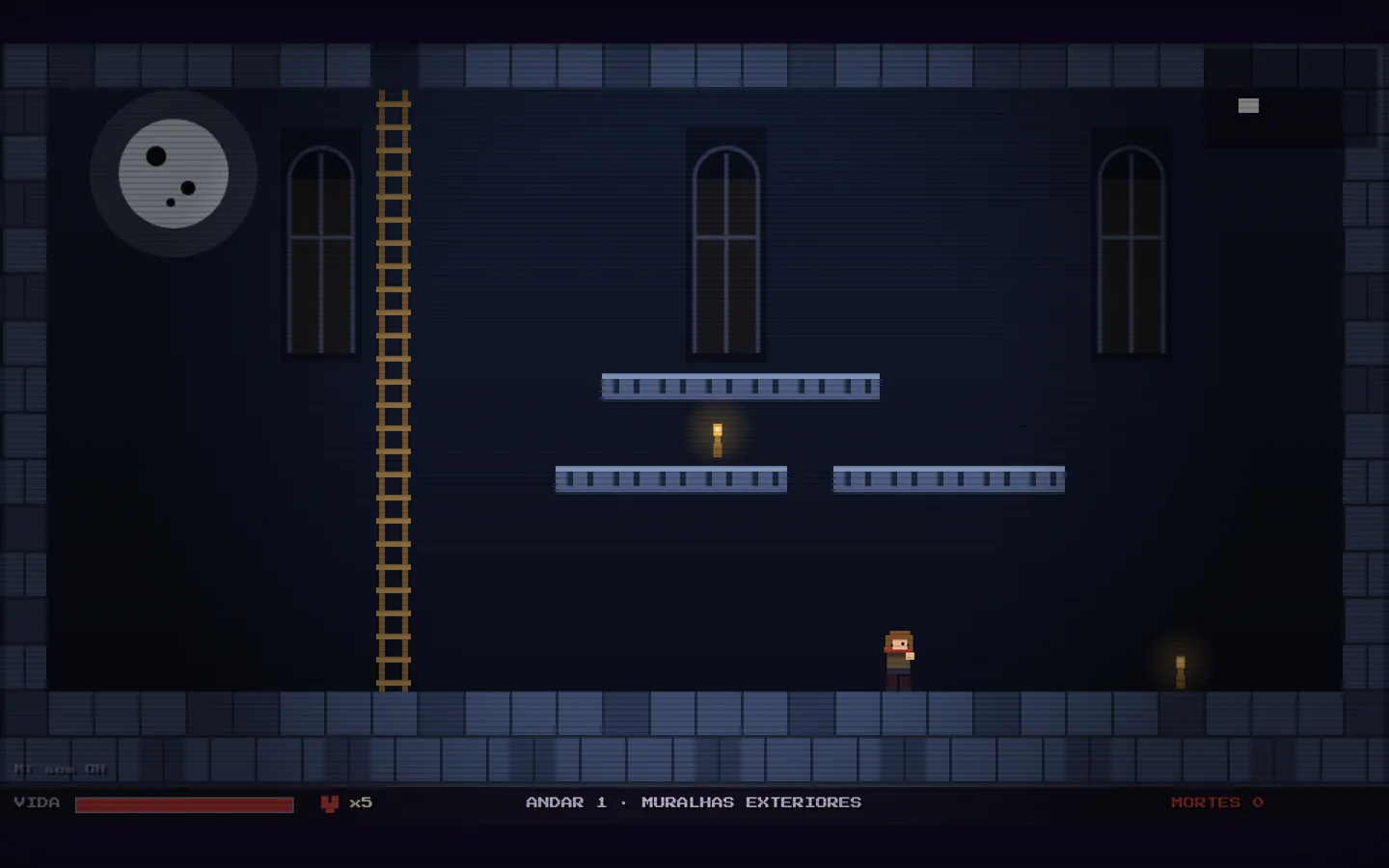
Sites, apps and games that came out of real sessions, from the request to the screen.
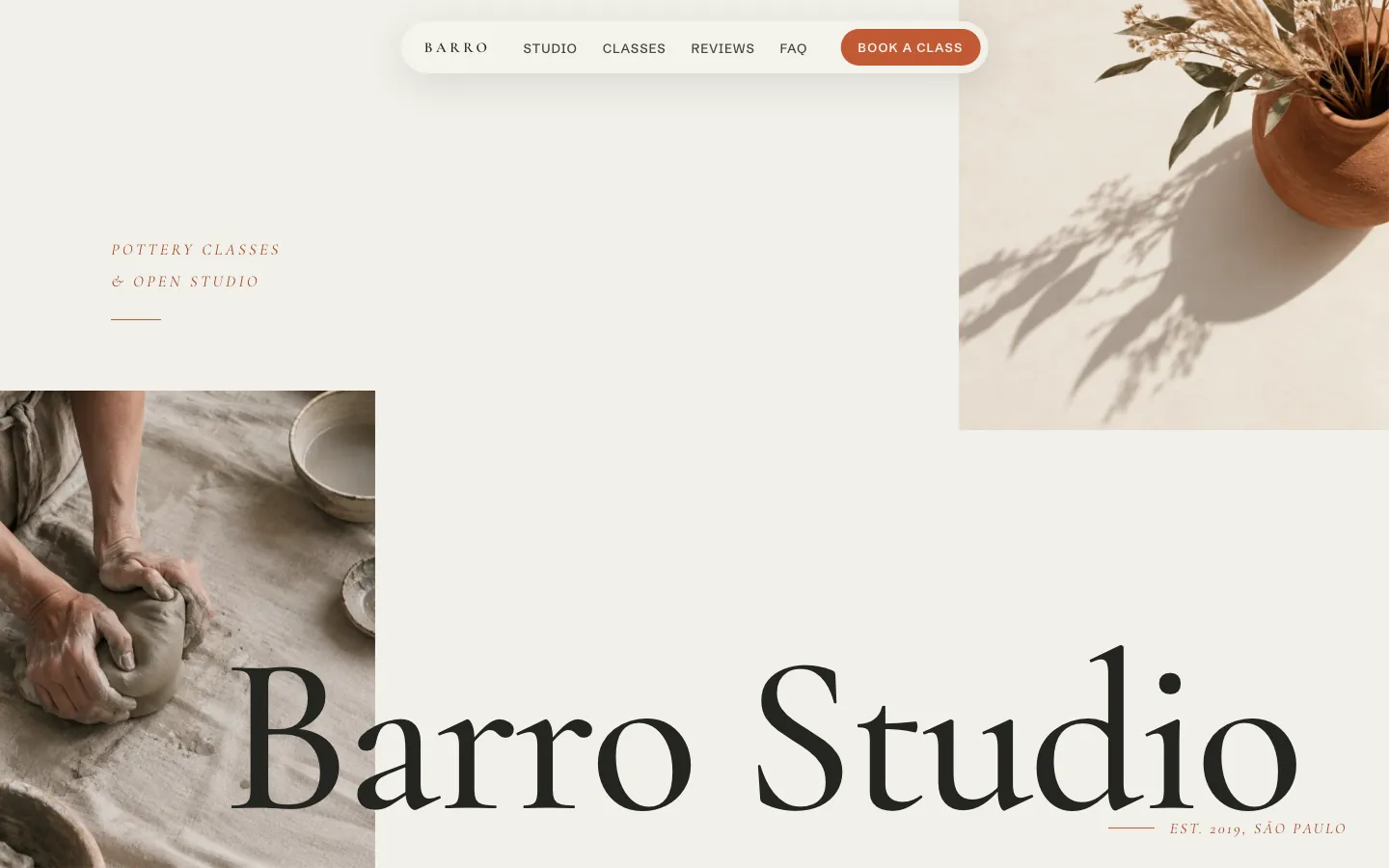

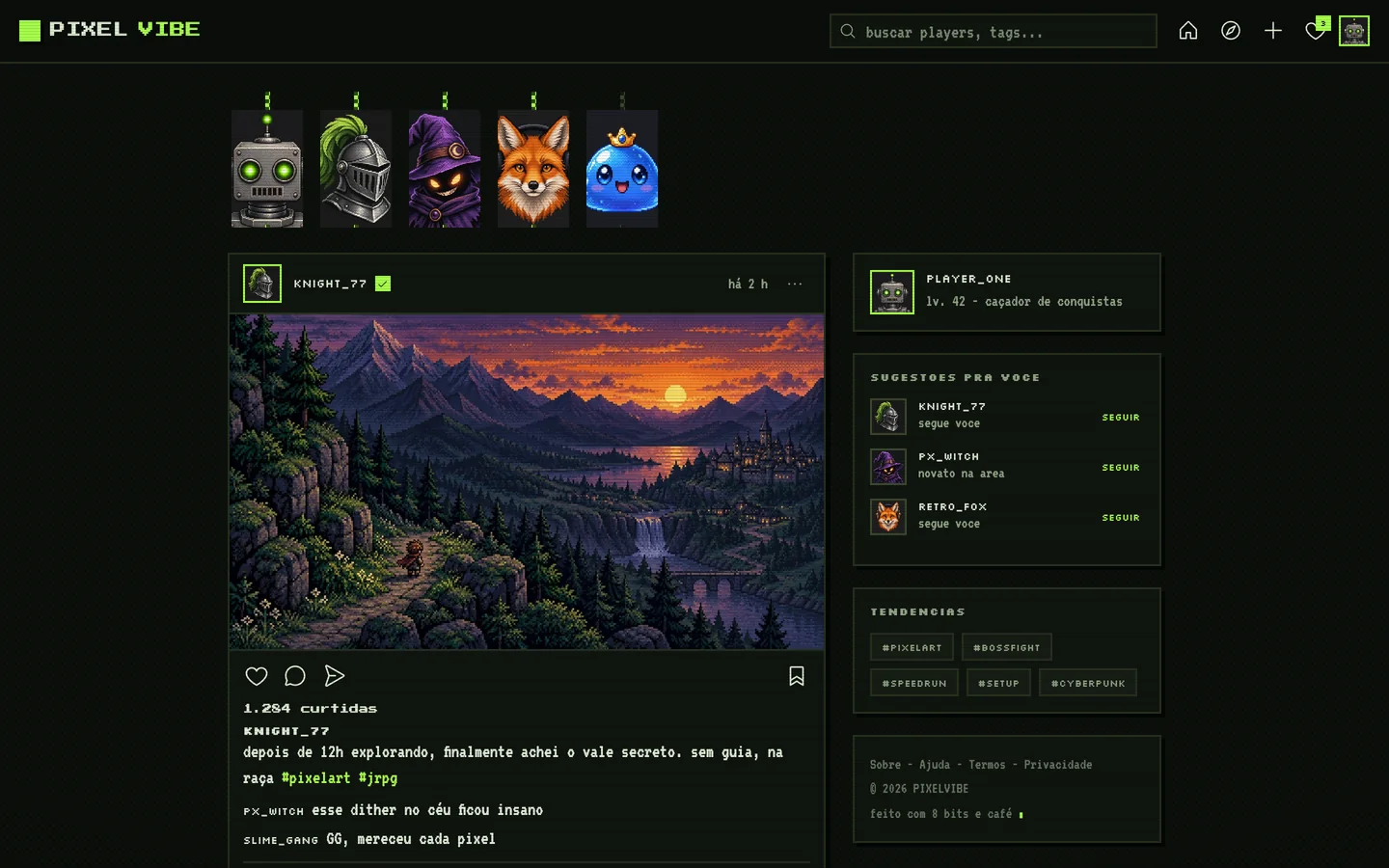
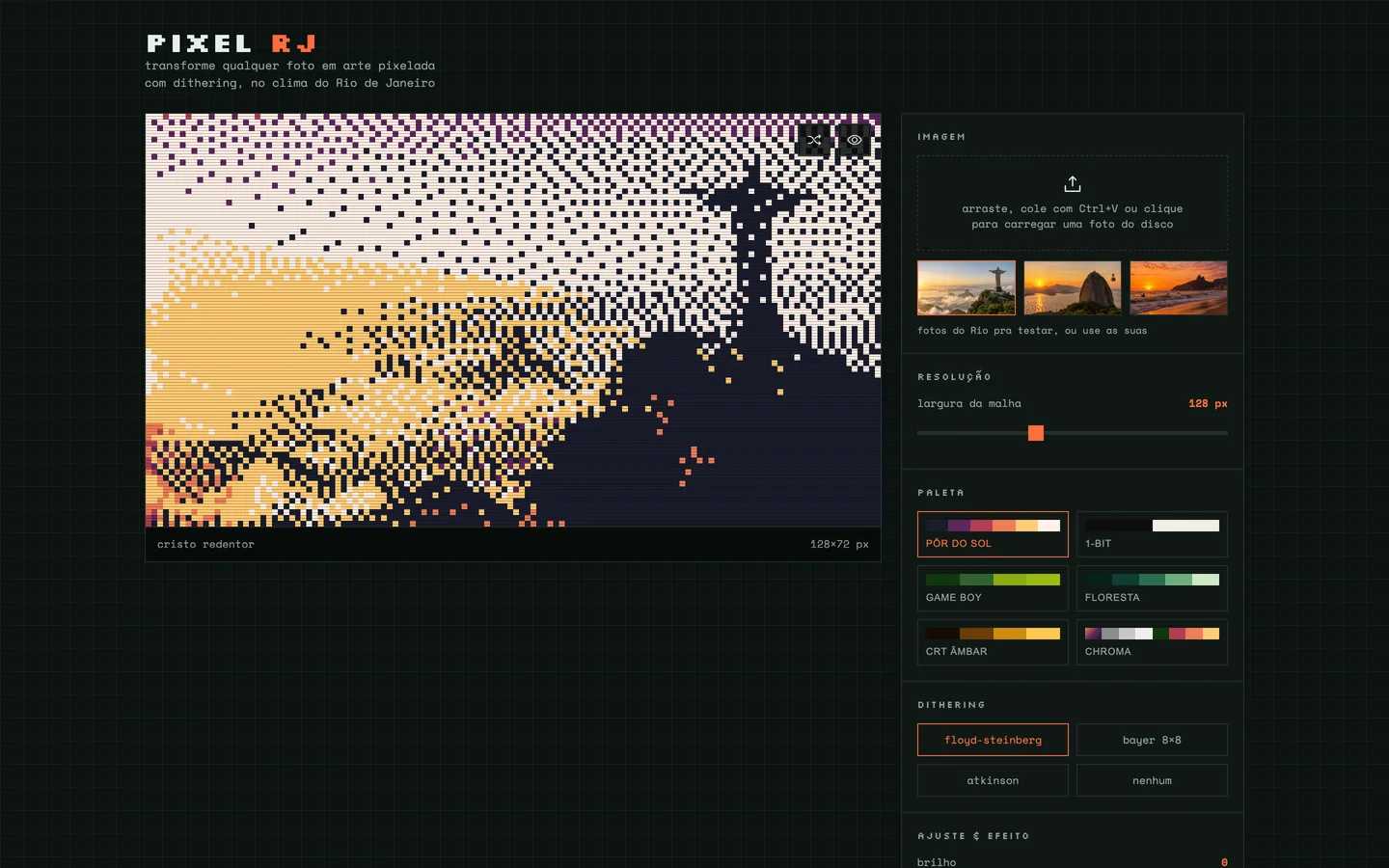
 Make it yours.
Choose one of Rogue's backdrops for new sessions, or use your own image. Light or dark theme, accent color, frosted glass. In Portuguese or in English.

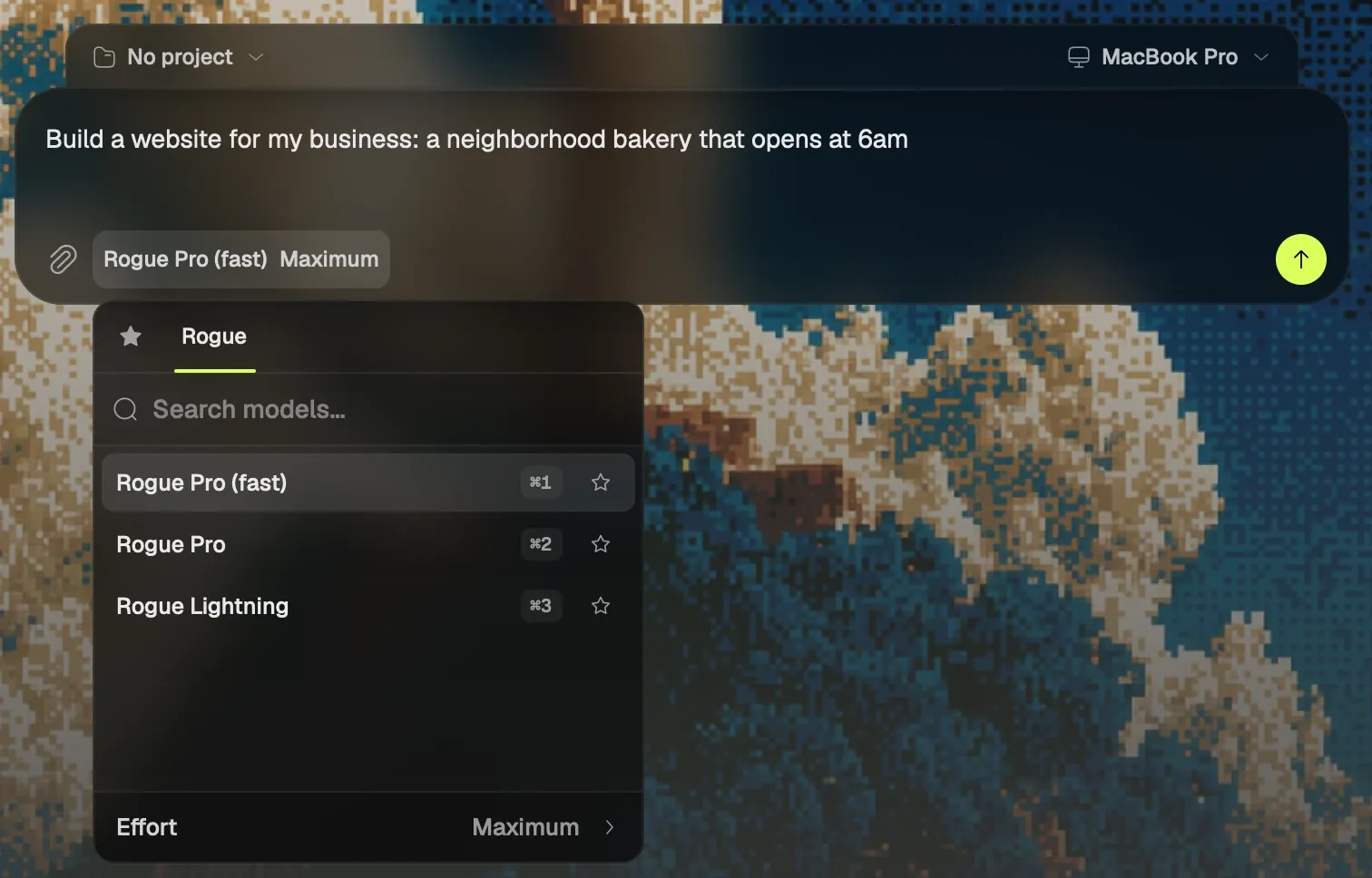
Rogue Pro (fast) opens every session, and Rogue Pro and Rogue Lightning are a shortcut away: the same models as Rogue on the web. Effort goes from Low to Maximum.
⌘ / opens the picker, and ⌘ 1, 2 or 3 picks the model.
$10/month
Everything in Free, plus:
Max5x $50 · 25x $150/month
Build all day.
Go and Max are announced and not on sale yet. See the plans
Rogue Code
Apple silicon · macOS 13 or later
With your invite password, the download starts right away. After that, Rogue Code updates itself.
You need a Mac with Apple silicon on macOS 13 or later, and a Rogue account with Rogue Code turned on. Talking to Rogue needs macOS 26; everything else works without it.
Rogue Code is the Mac app where you say what you want and Rogue builds it on your own computer. It comes with Go and Max, along with Rogue Browser.
Yes, with an invite: enter the invite password in the download card and the installer downloads right away. Without one, join the waitlist and we'll send you an invite when your turn comes. Once installed, the app updates itself.
Rogue Code comes with Go, at $10 a month, and with Max. Both are announced and not on sale yet: there is no checkout and no card to enter.
A Mac with Apple silicon on macOS 13 or later, and a Rogue account with Rogue Code turned on. Talking to Rogue needs macOS 26; everything else works without it.
Rogue Code is not notarized by Apple yet, so the first launch takes one more step: go to System Settings > Privacy & Security and click Open Anyway. After that it opens normally.
In a folder on your Mac. Rogue reads, writes and runs commands inside it, and shows every step in the chat. Without a folder, each session gets its own in ~/Rogue Code.
No. You can type everything. Voice is a shortcut: hold the key, talk, let go. The microphone is open only while the key is held, and speech is recognized on the Mac.
The same ones as Rogue on the web: Rogue Pro (fast), Rogue Pro and Rogue Lightning, with effort set to Low, High or Maximum. Rogue Lightning runs on Low only.
Yes. The app comes in Portuguese and in English, and you switch in Settings > General > Language.
Just say it.