
Create lesson slides for teachers
Introduce a concept, work through an example and give students a turn. Tell Rogue the topic, grade level and what your class already knows, and it builds the lesson slides.
The deck Rogue made
Generated from the request below, with nothing edited by hand.
Questions about lesson slides
How do I tailor the slides to my grade level?
Include the grade level, topic and what your students already know. Rogue organizes the content and generates up to 15 slides per request. Review the language and examples before using them in class.
Can I include practice problems and answers?
Yes. Ask for practice problems, worked examples and answers on separate slides. Check all calculations and explanations before class. If something needs changing, ask for a correction in the chat.
Can I update a lesson after downloading it?
Yes. Each PowerPoint slide is an image, so you can't change its text by typing in the file. Ask for changes in the chat and download again. You can also download a PDF or present in your browser.
Can I edit the slides?
Yes, by asking in the chat: change a slide, add one, remove one or redo the whole deck. Each slide is a designed image with the text inside it, so text changes happen through Rogue, not by typing on the slide.
Can I download it as PowerPoint or PDF?
Yes, both. In PowerPoint each slide is an image, which keeps the design exactly as you saw it; to change a line of text, ask in the chat and download again.
Other kinds of presentations
See all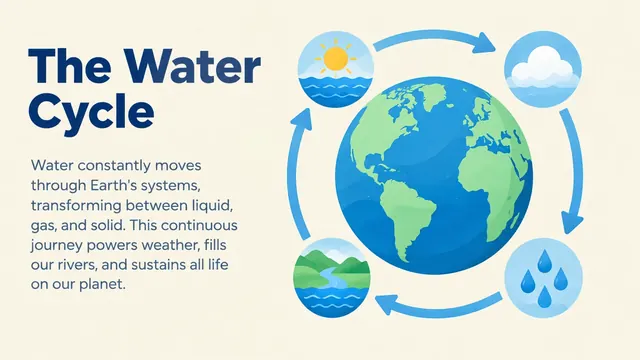 AI school presentationKey ideas, examples and a class recap.See the deck
 Thesis defense presentationAims, method, results and conclusion.See the deck
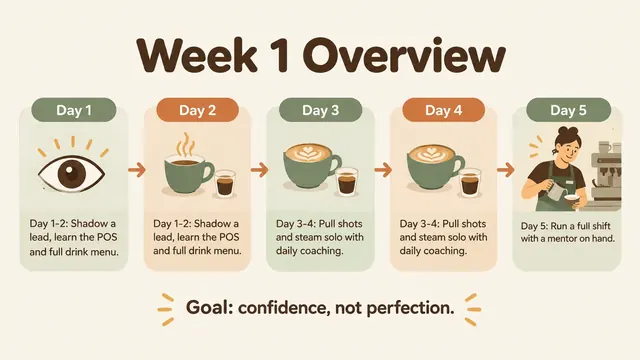 Training presentationFirst-week basics and everyday procedures.See the deck
 AI pitch deckProblem, solution, traction and the raise.See the deck
 AI business plan presentationOffer, customers, operations and projections.See the deck
 Sales proposal presentationScope, pricing, terms and next steps.See the deck