Mac
Your computermacOS 12 or later
.dmg · 155 MB · Version 0.2.1
Install
- Open the .dmg and drag Rogue Roda into Applications.
- On the first launch, if macOS blocks it, go to System Settings, Privacy & Security, and click Open Anyway.

Rogue Roda
Voice rooms, video and screen sharing for people who build with Rogue. Open the app, pick a room and start talking.
The roda
A roda is how Brazilians talk: everyone in a circle, nobody at the head of the table. Tap a face to bring that person into the room.
6 live

Soundboard
Every sound is synthesized live in the app and plays the same for everyone in the room. Try the pads.
Inside the app
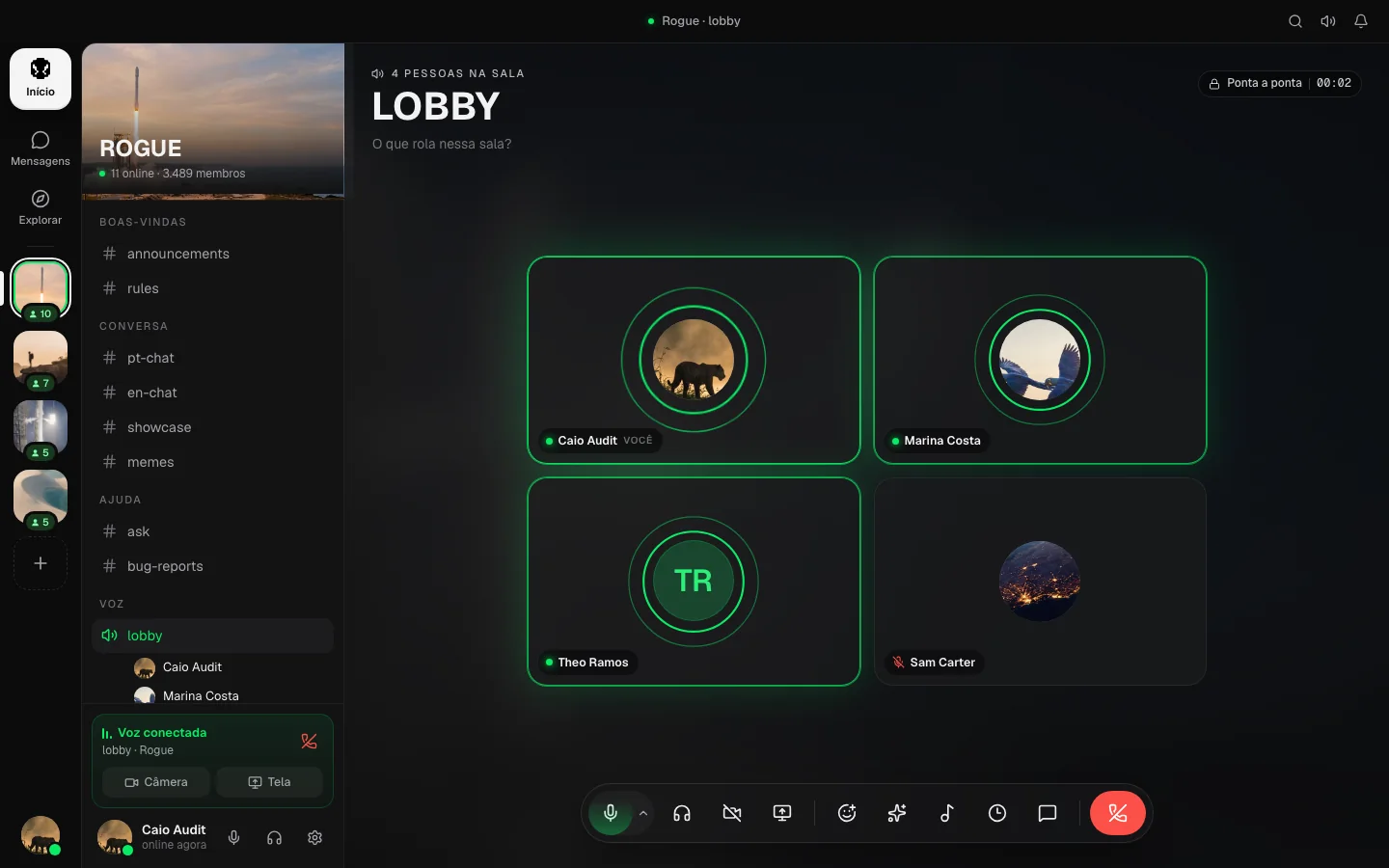
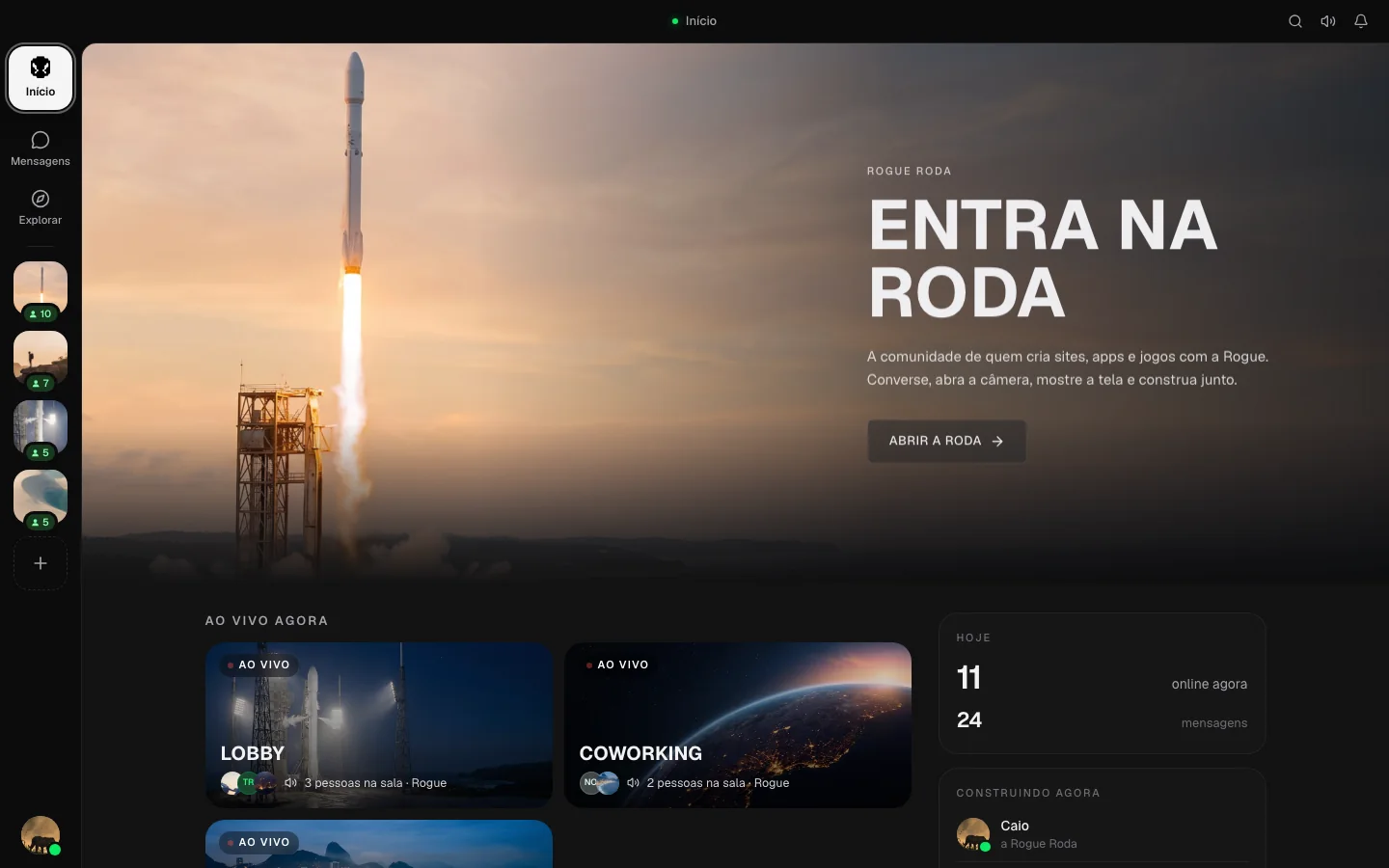
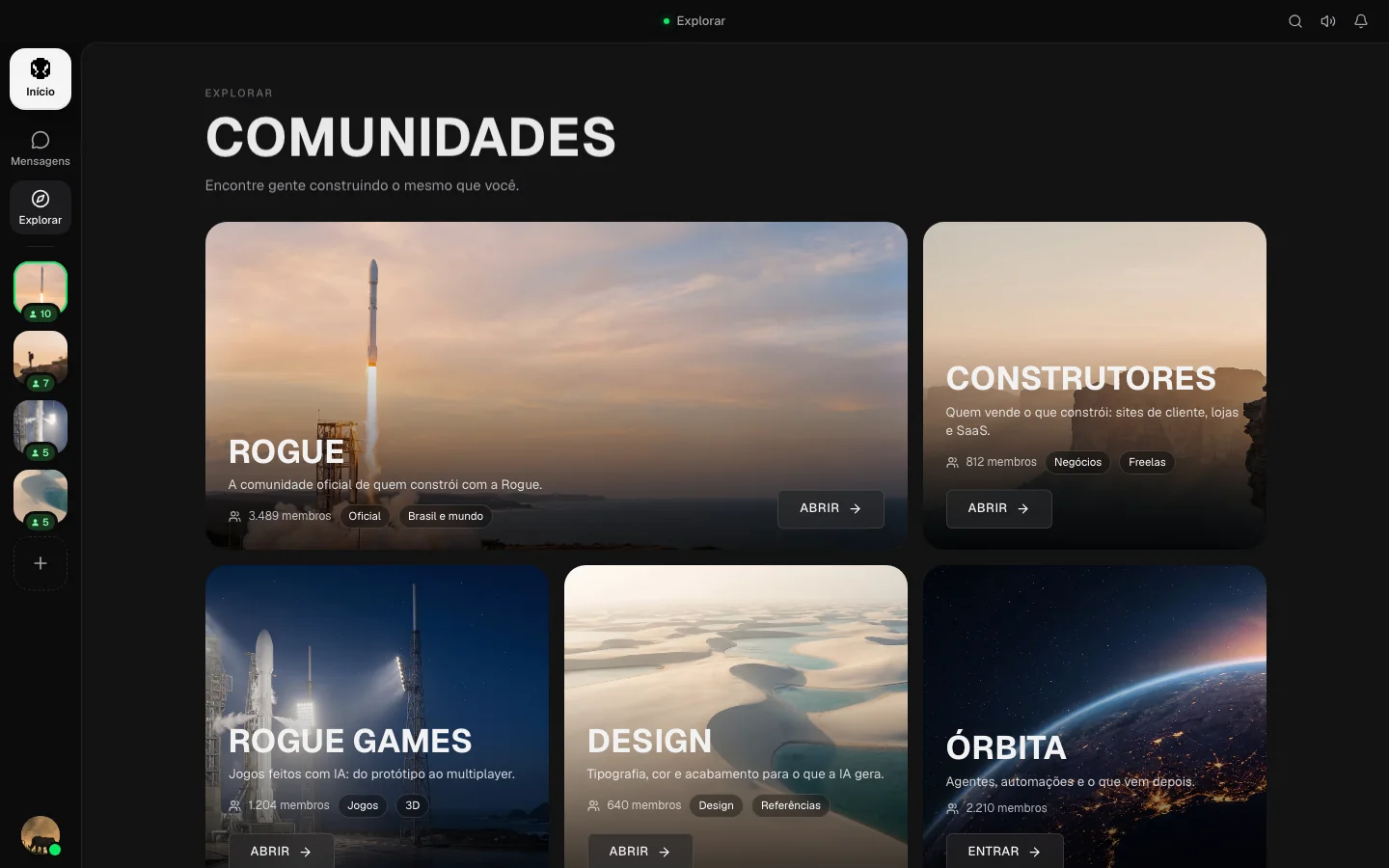
Opus with error correction, noise suppression running on your machine and per-person volume. Your voice goes straight to the others, peer to peer.
Share a window or the whole screen in 1080p with the system audio. Text stays sharp, motion stays smooth, and nobody encodes for a room that is not watching.
Create a community, open text and voice channels, and send the invite. Public ones show up in Explore.
Original tracks and ambient sound for the whole room, a focus timer and reactions that rain across the stage.
Download
macOS 12 or later
.dmg · 155 MB · Version 0.2.1
Windows 10 and 11 · 64-bit
.exe · 150 MB · Version 0.2.1